From a relay behind a light switch to a house that trades electricity

I started in 2013 with one Fibaro relay behind a light switch in a flat. Through three more hubs (HC2, Homey, Hubitat) I got to Home Assistant – on the second try, because I gave up the first two times. Today it runs over 300 devices in our house and flat, solar with a battery and EV charging. Here's the whole journey, mistakes included.
I've never been able to build a smart home "from scratch". The flat and the house we lived in were already built when we moved in. Rewiring everything or spending thousands of euros right at move-in was out of the question. So this is the story of a smart home that grew gradually – device by device. Probably exactly how yours will grow too.
The whole journey at a glance
| Year | What changed |
|---|---|
| 2013 | Flat, first Fibaro relay and the Home Center Lite hub |
| 2016 | We move into a house, still on Fibaro (later Home Center 2) |
| 2020 | Homey |
| 2021–2022 | Hubitat C7 |
| 2022 | Home Assistant – second attempt, and this time for good |
| 2024 | Solar with a battery |
| 2026 | Selling electricity at spot prices |
The beginning: one relay behind a switch
I've been into technology since 2013. Back then I saw smart homes as something for expensive villas, planned while the house is being built. I never liked controlling things with remotes – I was always looking for the right one.
The turning point was a Fibaro smart relay. A small box that hides behind a light switch and doesn't change how you use the light. On top of that it measures consumption, dims and can be controlled from your phone. I added the Fibaro Home Center Lite hub – at the time the first solution that combined design, simplicity and functionality.
It was enough for basic automations in a three-room flat. But I also hit the first obstacles: no neutral wire behind the switch, and wall boxes that were too shallow. With a bit of will and effort it could be solved.
Looking for the right hub
As devices piled up, the small hub stopped being enough. Over time I went through three more:
| Hub | What I liked | Why I moved on |
|---|---|---|
| Fibaro Home Center Lite | Simple, nice, works | Z-Wave only (some WiFi), new devices only when the vendor adds them, UI can't be customised |
| Fibaro Home Center 2 | More capacity | Same limits, I didn't stay long |
| Homey | Supported almost everything, opened the world of cheap sensors (Xiaomi etc.) at a fraction of the price | Closed system, no local control back then |
| Hubitat C7 | Universal, no cloud | Worse user interface, over time devices dropping off and slowness |
Homey was a huge step forward. Suddenly almost everything worked with everything, and the number of devices grew nicely without big spending. Cheap Zigbee sensors surprised me with their battery life and reliability.
Home Assistant: I gave up twice
Alongside all that I was trying Home Assistant. Its openness and huge community appealed to me. At the same time I didn't trust it – how could something free be better than the specialised hubs I had paid for?
The first attempts went badly. I didn't get the logic of entities and devices, and getting HA running wasn't easy back then. It put me off twice. The Raspberry Pi ended up in a drawer and I left HA alone for about a year.
The turning point came when Hubitat started having problems. I decided to rebuild the smart home from scratch – this time in Home Assistant. Step by step, device by device. I had about 30–40 of them at the time.
Once I understood how HA works, possibilities opened up that I hadn't even dreamed of. If you're where I was back then, start with Home Assistant explained – exactly what I would have needed.
Where we are today
Today Home Assistant holds together the whole house where the four of us and a dog live, and our flat too.
| What | How we have it |
|---|---|
| Devices | 311 devices, just under 2000 entities, 94 automations, 12 rooms in the house |
| Solar | 12 kWp, Deye 10 kW inverter |
| Battery | LiFePO4 ~34 kWh, trades on spot prices by itself |
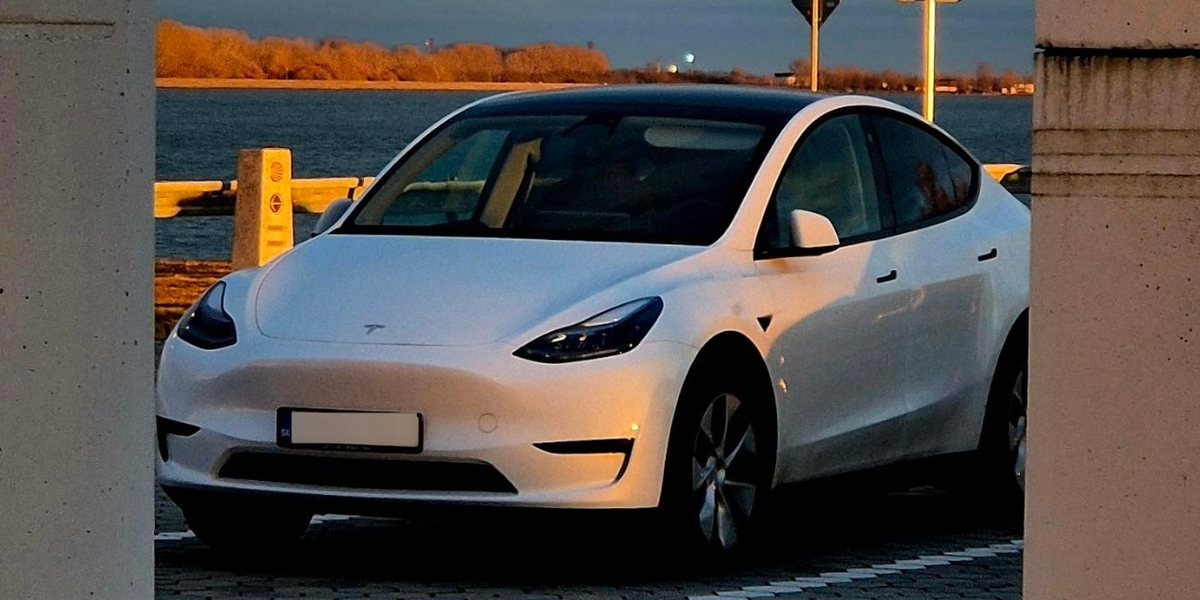
| Car | Tesla Model Y, charges when electricity is cheapest |
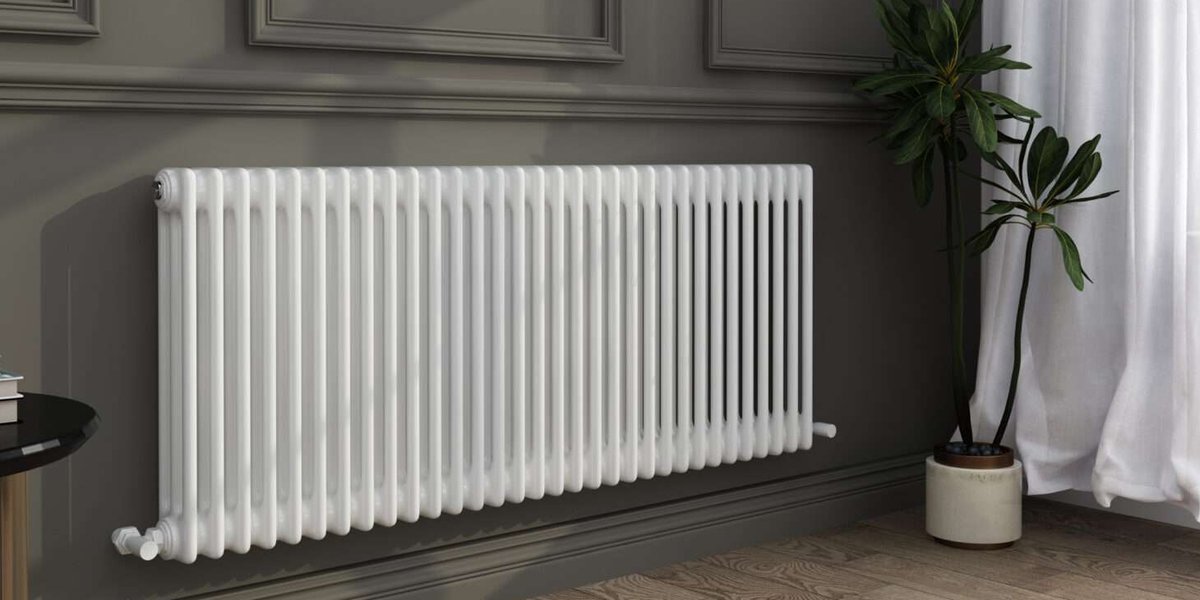
| Heating | every room has its own thermostat, the boiler only runs when needed |
| Cameras | Frigate detecting people, cars and animals |
| Server | HP mini PC with Proxmox: Home Assistant, Frigate, NAS and other containers and VMs |
| Backups | a second mini PC with Proxmox Backup Server |
| Radios | one SLZB-MRW10U multi-radio adapter |
| Power | the servers are backed up by a battery |
What works well, what doesn't and what it costs – that's for the next articles and videos.
What I'd do differently today
- I'd give Home Assistant a proper chance sooner. Years on closed hubs meant re-pairing everything several times.
- I'd back up off the device from day one. A few times I made a mistake while experimenting and the backup was missing or old. Once I lost the entire HA database.
- I'd think about naming right away. When I had almost 3000 entities, finding the right one was the biggest pain. The clean-up took two days and today I have just under 2000.
- Less cloud. A device that only works through the vendor's server stops being smart when the internet goes down or the vendor shuts the service.
My rules in short
Those years left me with six rules I follow with every new device:
- The house must work even when the smart home doesn't. You have to be able to switch the light on with the switch.
- Keep manual control wherever you can. Everyone in the family who didn't set it up will thank you.
- Less is more. You really use five out of 20 sockets – they don't all need to be smart.
- Back up and plan for the worst. Backups belong on another device.
- Avoid the cloud where you can. Zigbee, Z-Wave, Matter or local WiFi.
- Be structured. Think through the names of devices, entities and automations at the start.
I go through them in detail, with examples from our house, in 6 rules I build my smart home by.