Zigbee, WiFi, Z-Wave or Matter – which way to go

A smart device needs a "language" to talk to the hub. WiFi is already in your home, but with dozens of devices you need a good router. Zigbee and Z-Wave are built for smart homes – efficient and reliable, but they need their own adapter. Matter wants to unite everything but is still young. Decide at the start – switching later means re-pairing everything.
The days of one standard are long gone – and in smart homes doubly so. Just as your phone connects to WiFi or the mobile network, a smart device needs to connect to something to talk to the world around it. That "something" is called a communication standard or protocol.
It's one of the decisions worth making right at the start. You'll save money and avoid trouble once you have dozens of devices.
WiFi
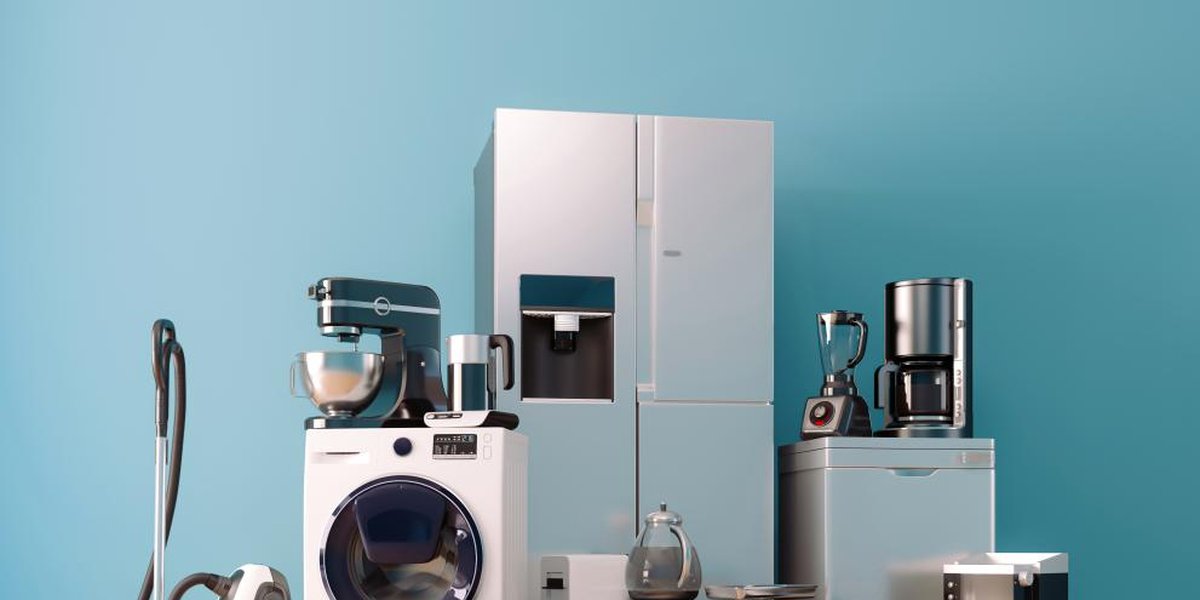
You already have WiFi at home, so it's the cheapest way in. It's not just TVs, washing machines and fridges that connect over WiFi – sensors, light relays, blind and heating controls do too. Many new appliances use WiFi.
Sounds too good to be true? There are catches:
- The router. Not every router can handle hundreds of devices at once. If you build on WiFi, invest in a good router – a few euros more saves you replacing it later.
- Interference. In blocks of flats with dozens of WiFi networks side by side, it can be a pain.
- Changing the password. When you change the network name or password, you have to reconnect every device. That's why a separate WiFi just for smart devices, which only you have access to, is worth it.
- The cloud. Some WiFi devices talk locally, others only through the vendor's server. Avoid the second kind – more in the 6 rules.
One big advantage: a WiFi device can live in several systems at once (for example Home Assistant and Google Home), and you don't have to re-pair it when you change the hub.
In one sentence: WiFi is cheap and everywhere, but it depends on a good router.
Zigbee
Zigbee is a wireless protocol designed specifically for smart homes. It builds a mesh network – devices pass the signal between each other, so the network reaches further. It runs on the same frequency as WiFi (2.4 GHz) but otherwise has nothing to do with it.
It's efficient (important for battery sensors), stable, and there's a huge choice of devices at reasonable prices – IKEA or Aqara, for example. To work well, it needs four things:
- An adapter (coordinator) – something like a router for Zigbee. Some hubs have it built in.
- Routers once you have more devices. The mesh is built by mains-powered devices (bulbs, plugs, relays), not battery sensors.
- Compatibility. Zigbee is a common standard, but not every hub supports every device.
- One device = one hub. When you change systems, you have to re-pair everything, one by one.
In one sentence: Zigbee is the best value for sensors, but it needs an adapter and enough mains-powered devices.
Z-Wave
The principle is similar to Zigbee: a mesh network, its own adapter, pairing to one hub. The difference is the frequency. In Europe Z-Wave runs on 868 MHz, so WiFi doesn't interfere and the range is bigger (for Z-Wave Long Range, manufacturers quote up to 2.4 km with line of sight).
Careful when buying outside the EU: Z-Wave uses different frequencies in different parts of the world. Buy devices made for the European market (868.42 MHz).
In one sentence: Z-Wave is reliable and free of interference, but devices tend to cost more.
Matter
The newest standard, created by an alliance of the biggest companies – Apple, Google, Amazon, Samsung and others. The goal: a device with the Matter logo should work in any system, whatever the brand.
To keep things interesting, Matter has two paths:
- Matter over WiFi uses your normal home network. It suits mains-powered devices that need a fast response – plugs, lights, thermostats. No hub needed, but it loads your WiFi (again: a good router).
- Matter over Thread. Thread is a new low-power mesh network for small battery devices – sensors, buttons, locks. It needs at least one Thread Border Router, which is built into devices such as the HomePod mini, Google Nest Hub or some Aqara devices, or you can buy one separately.
In one sentence: Matter aims to make everything simple, but it's still young.
Side by side
| Matter (WiFi) | Matter (Thread) | Zigbee | Z-Wave | |
|---|---|---|---|---|
| Network type | WiFi | mesh (Thread) | mesh | mesh |
| Power use | higher | low | low | low |
| Response | very fast | fast | good | good |
| Reliability | good (depends on router) | very good | good | good |
| Range | good (router) | medium (mesh) | medium (mesh) | large (mesh) |
| Compatibility | high, across systems | high, across systems | depends on hub | depends on hub |
| Needs a hub | no | Border Router only | yes | yes |
| Frequency | 2.4 / 5 GHz | 2.4 GHz | 2.4 GHz | 868 MHz (Europe) |
Which way to go
You don't have to pick just one. Home Assistant handles all of them at once, and most homes end up with a mix:
- Appliances (washing machine, air conditioning, TV) will almost always be on WiFi – check before buying that they have a Home Assistant integration.
- Battery sensors (temperature, motion, windows) – Zigbee. Thread only if you don't mind experimenting.
- Relays behind switches – Zigbee, Z-Wave or local WiFi (e.g. Shelly).
Which device brands lasted in my house and which ended up in the bin is in Smart home brands.
Next part: Where to start and what to avoid with a smart home.