Where to start and what to avoid with a smart home – 6 steps and 8 mistakes

Start with a hub and one protocol, then energy metering, and only then lights via relays behind the wall switch. From day one, back up and name things properly. Avoid cloud-only devices, removing wall switches, automating everything and cheap battery devices. And if it doesn't work the first time, don't give up – I gave up on Home Assistant twice.
You've done the first three parts: you know what Home Assistant is, what to run it on and which language devices speak. Now comes the question I get most often: where do you start with a smart home?
My answer comes from experience. I've had a smart home since 2013, and in that time I've gone through five hubs and made almost every mistake there is. Here's the order I'd choose today, and the mistakes to avoid.
Where to start with a smart home: 6 steps
1. Be sure you actually want one
A smart home isn't for everyone – and that's fine. If a few simple automations are enough, buy a ready-made system and accept its limits. If you enjoy it and want your home under control, go the Home Assistant way. More in Do you even need a smart home?
2. A hub on a dedicated device
Home Assistant OS on a device that runs 24/7 – Home Assistant Green, a mini PC or a Raspberry Pi. Performance doesn't matter much, power draw does. Leave Proxmox and virtual machines for later. → Installing Home Assistant
3. Pick your protocol at the start
Zigbee, Z-Wave, WiFi or Matter? Decide at the beginning – switching later means pairing everything again. For Zigbee or Z-Wave, buy the adapter straight away. → Zigbee, WiFi, Z-Wave or Matter
4. First project: energy metering
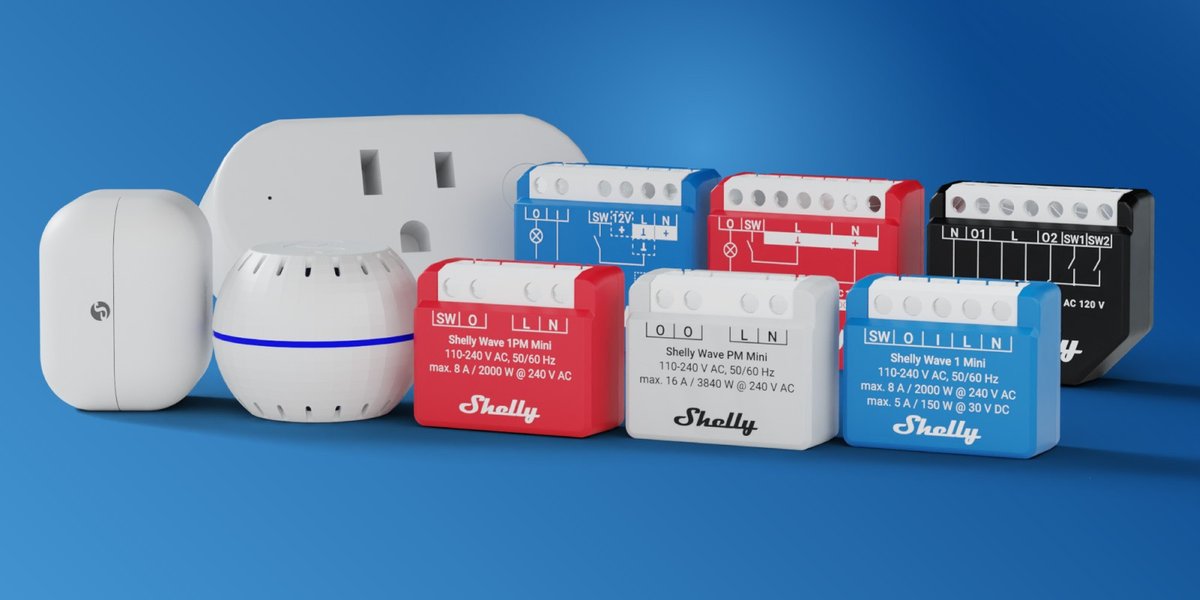
If I were starting over, the first thing would be central metering of electricity, water and gas. It shows where energy goes, tells you what's running right now (even "dumb" appliances), keeps an eye on the house when nobody's home and finds water leaks you'd never see otherwise. For electricity I recommend the Shelly 3EM-63W Gen3 – it sits right on the breakers. → Start with energy metering
5. Lights: a relay behind the switch, not just a smart bulb
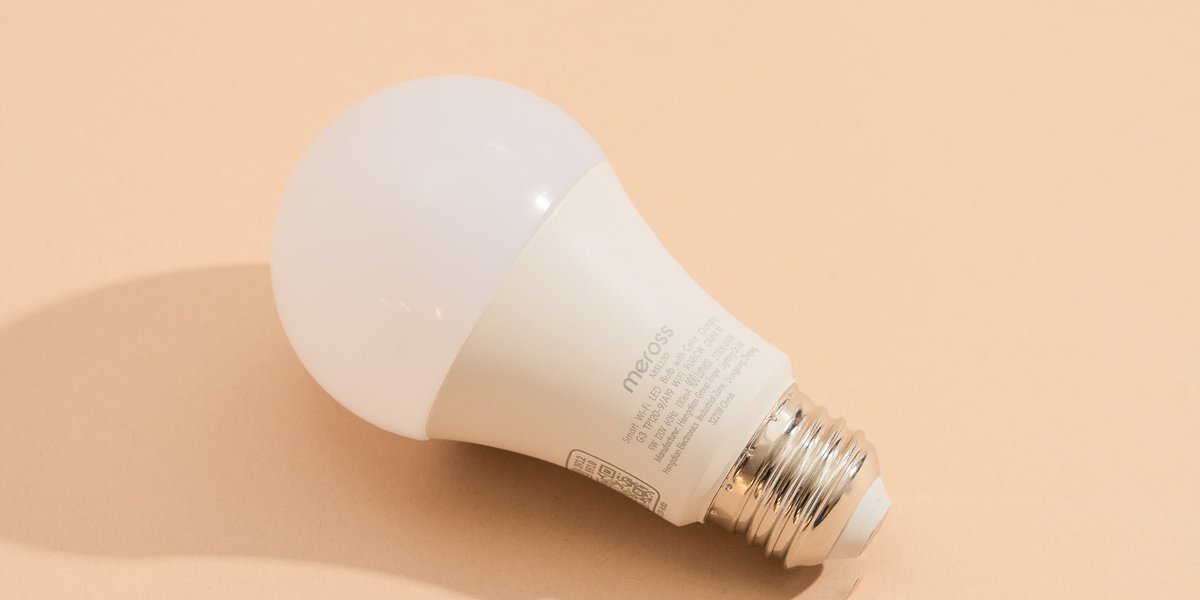
A smart bulb stops working when someone turns it off at the wall switch. The best of both worlds is a smart relay behind the original switch – the switch keeps working even when the hub is down. → Smart bulb and wall switch
6. Backups and tidy names from day one
Two things that are easy to postpone and hard to catch up on:
- A backup off the device – to another computer, a NAS or the cloud. The hub can fail too.
- Names following one scheme – for example
sensor.bathroom_downstairs_temperature(domain.room_device_quantity). Once you have dozens of devices, you'll thank yourself.
Then add one device at a time. With each one, ask yourself whether you'll really use it. For ideas on which automations are worth it, see 7 automations that really work in our house.
What to avoid: 8 mistakes
1. Devices that only work through the cloud
When the internet goes down or the maker shuts the service, your "smart" device becomes an ordinary one. Prefer Zigbee, Z-Wave, Matter or local WiFi. Tuya, for example, never clicked with me – even though local control is possible, most devices push a cloud connection.
2. Removing the wall switches
If lights only work through the hub and the hub goes down, you're in the dark. The house must work even when the smart home doesn't – and manual control is appreciated by everyone in the family who didn't set it up. In our house, Katka is the "household test".
3. Automating everything
Out of twenty sockets you really use five. I overdid it too – I had almost 3,000 entities and finding anything was a pain. After a clean-up I have fewer than 2,000 and don't miss a thing. Automate what you actually use.
4. Putting off backups
While experimenting I made mistakes more than once and the backup was missing or stale. I lost long-term energy statistics, and once the whole Home Assistant database. Rebuilding it all is a walk through hell.
5. Random names
Renaming almost 3,000 entities took me two days. With a scheme from the start, I wouldn't have had to.
6. Cheap battery devices and radiator valves
Battery devices are the biggest lottery. Battery-powered Shelly didn't work out for me, and IKEA battery devices occasionally drop out and eat batteries. For radiator valves, Aqara, Tuya and older versions of the Popp and Danfoss valves all ended up in the bin before I found Tado X. The brands that lasted are in Smart home brands.
7. A closed hub and appliances without integration
Years on closed hubs (Fibaro, Homey, Hubitat) meant pairing everything again several times. The same goes for appliances: before buying a washing machine or dishwasher, check it works with Home Assistant, and locally. → Smart appliances
8. Giving up after the first try
I gave up on Home Assistant twice. I didn't get the logic of entities and devices, and the Raspberry Pi spent a year in a drawer. When I came back, I started over, step by step, with 30–40 devices – and it opened up possibilities I hadn't even dreamed of. If you're struggling right now, go back to Home Assistant explained.
Summary
| Do | Avoid |
|---|---|
| A hub on a dedicated device | Cloud-only devices |
| One protocol from the start | Removing wall switches |
| Energy metering as the first project | Automating everything |
| Relays behind switches | Cheap battery devices |
| Backups and names from day one | Giving up after the first try |
All the rules I follow with every new device are in 6 rules I build my smart home by. And if you want to see how far it can go, read my smart home journey.